

Smart Card — Reviews Edition
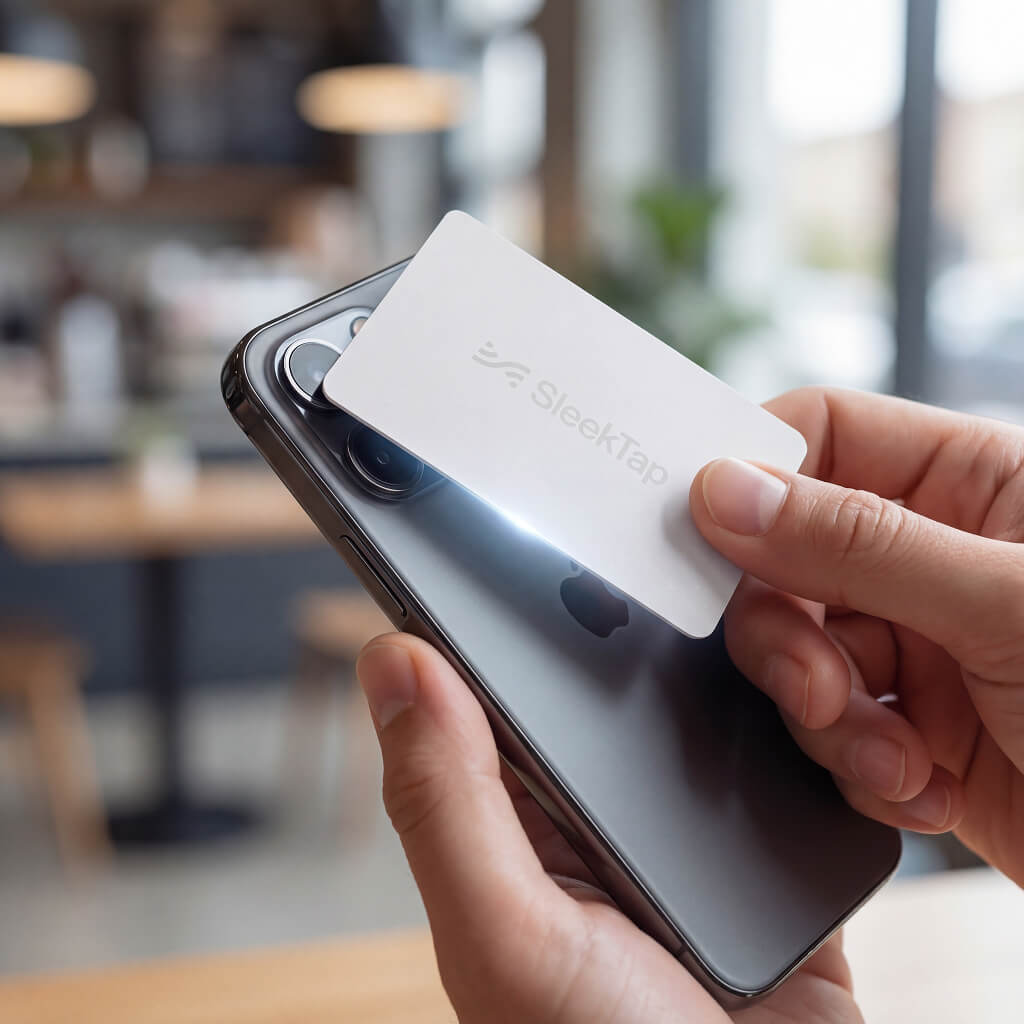
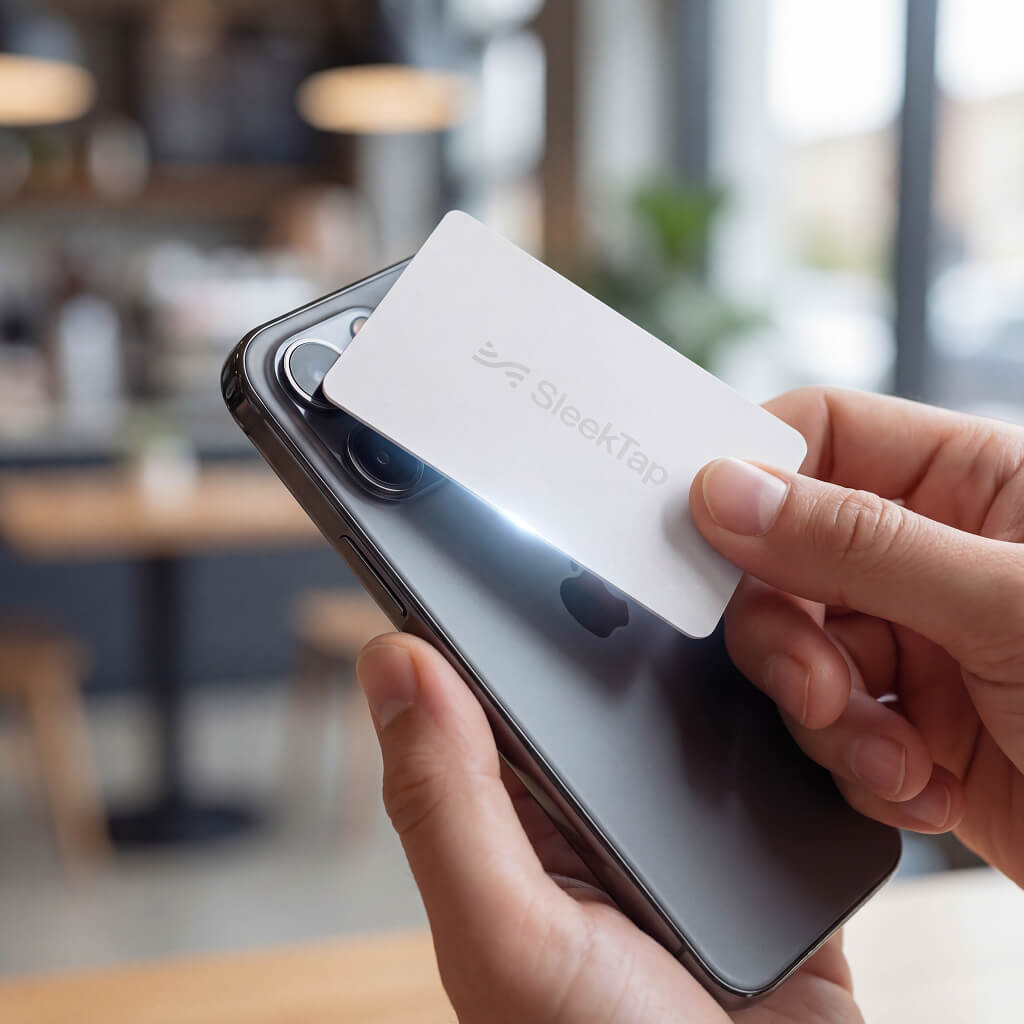
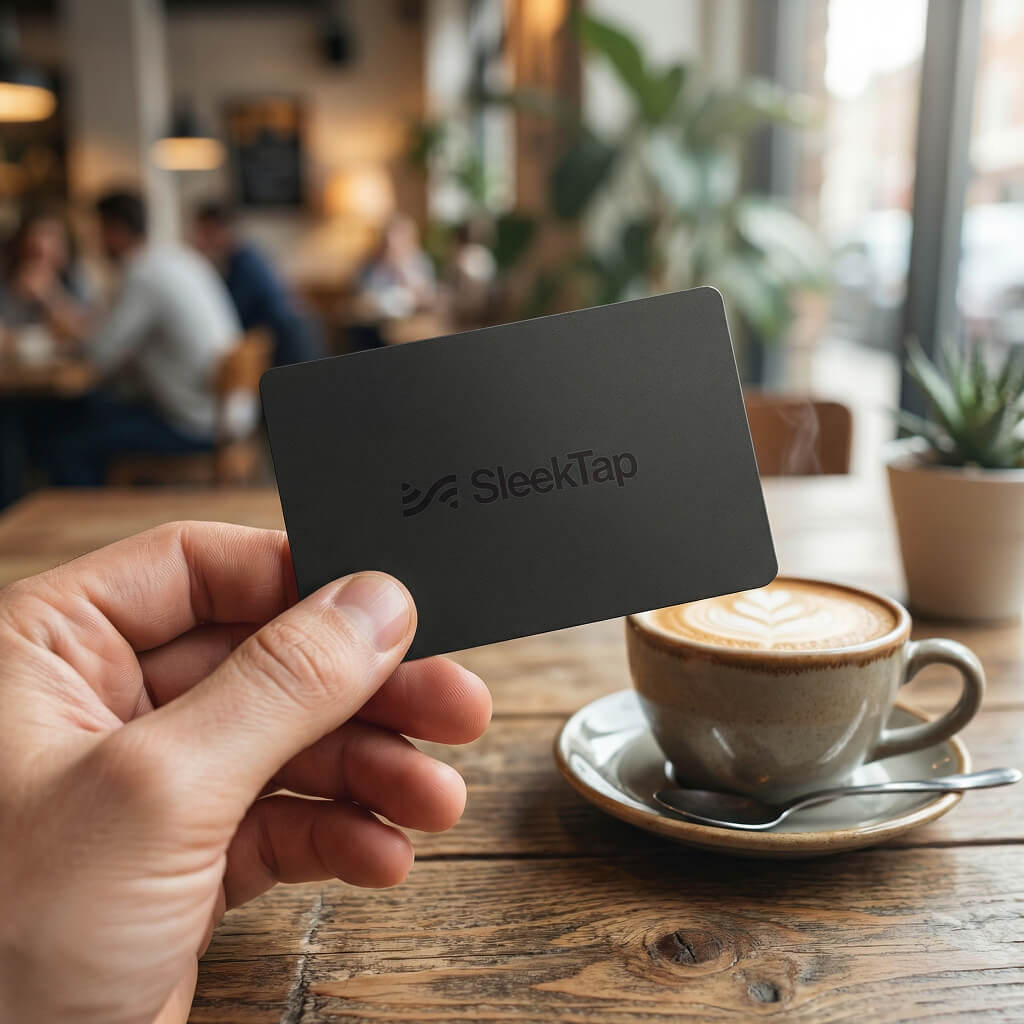
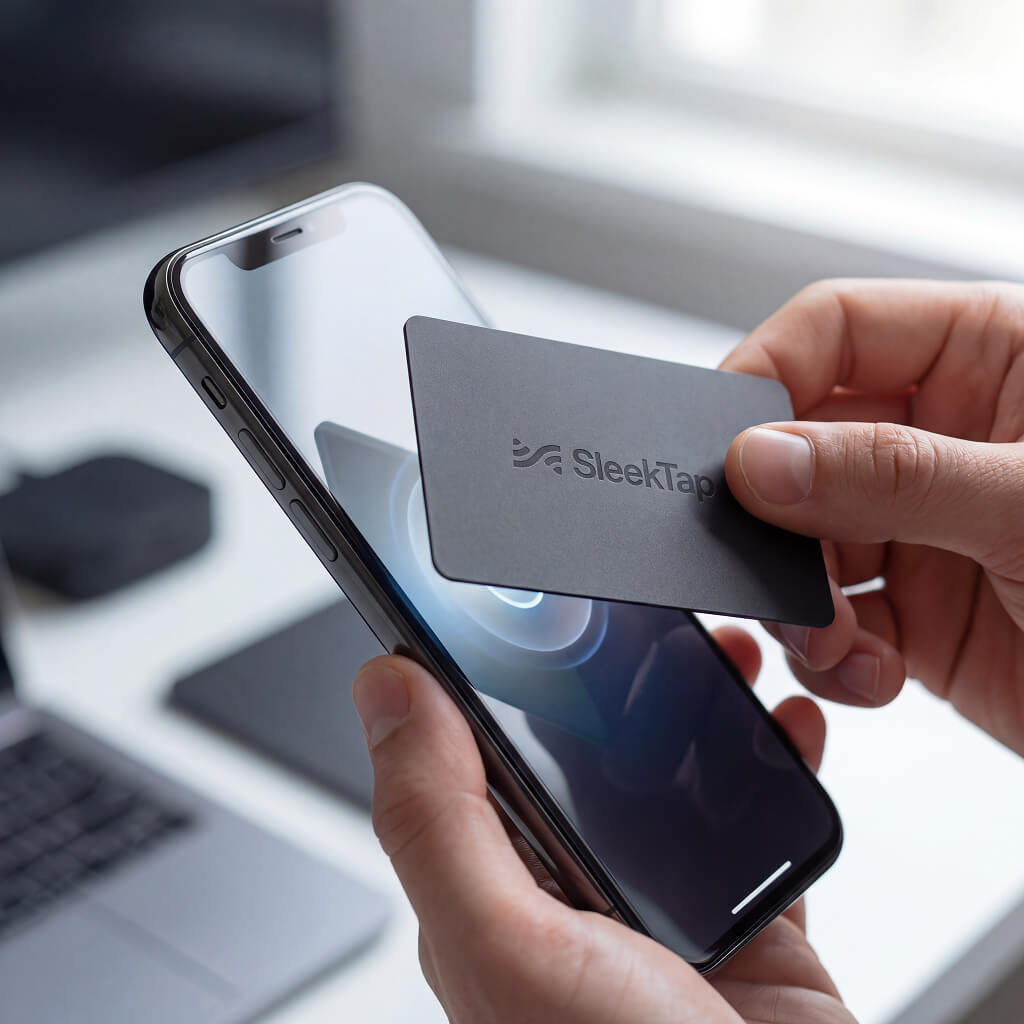
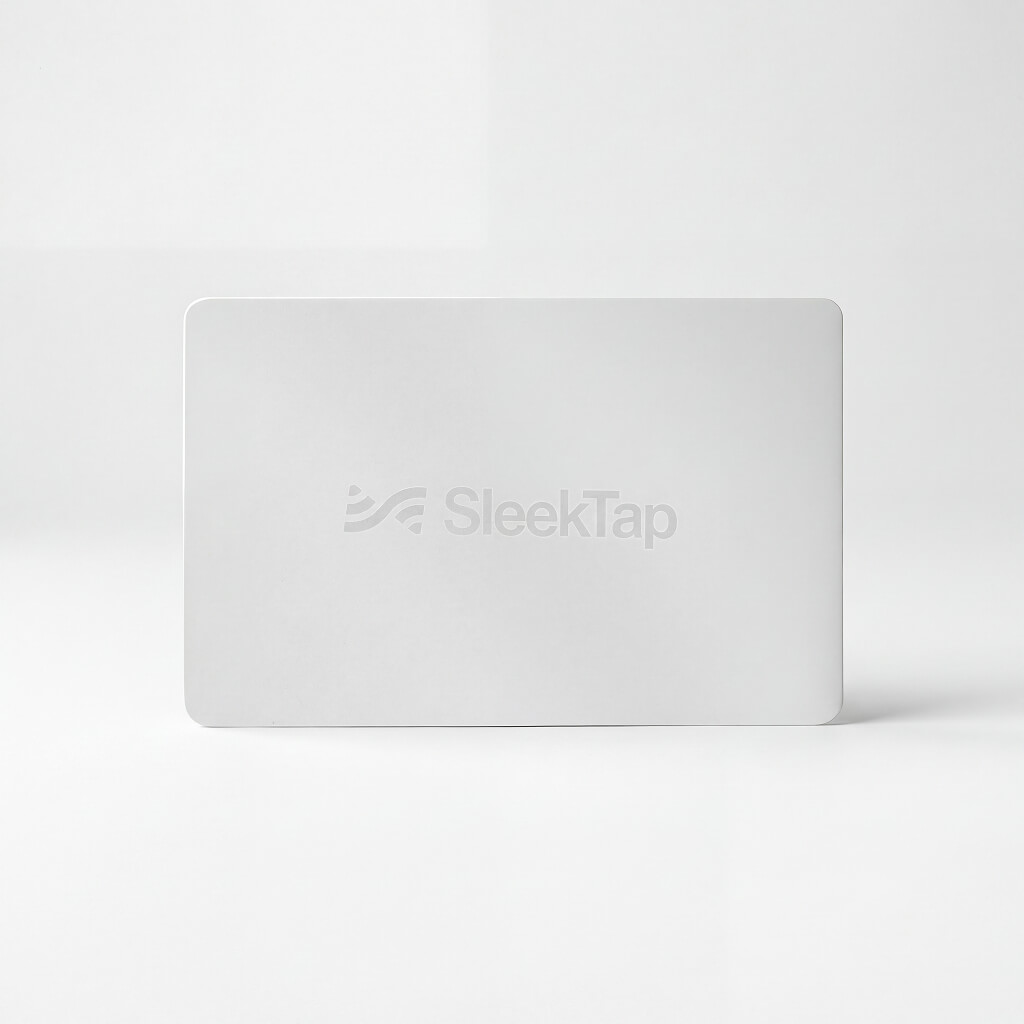
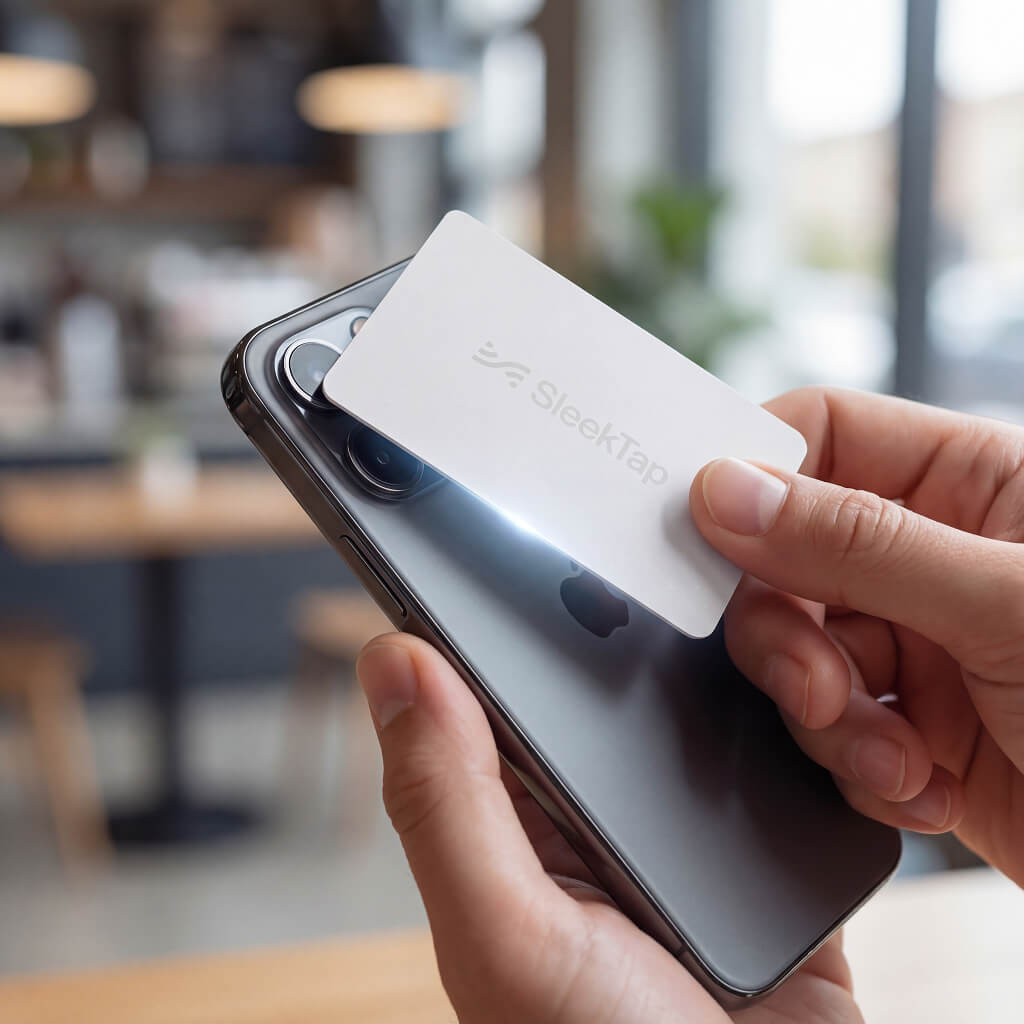
The SleekTap Smart Card Reviews Edition is a premium NFC card that sends customers directly to your review page — Google, Yelp, TripAdvisor, Facebook, or a multi-review hub — with one tap. Hand it over at checkout, after a service, or at the end of a meeting. The review happens in the moment, when the experience is still fresh. No app required. One-time purchase.

30-Day Money-Back Guarantee
Shipping Across the USA
Customer Reviews
Based on 0 reviewsIt's Easy It's Simple It's SleekTap
Every SleekTap product comes with instant access to your free personal dashboard. Check your email after ordering, set your password, set up your product, and you are ready to go.
Purchase
Order your SleekTap product in just a few clicks. Choose your quantity, enter your delivery address, and complete payment. You will receive your account login details by email the moment your order is confirmed.
Delivery
Your SleekTap product is delivered straight to your door. Once it arrives, log into your dashboard, go to My Products, and set up your product. Takes under five minutes.
You're All Set!
Your product is live and ready to tap. Manage your product, monitor tap activity, and view analytics — all from one place. Your customers tap, and the results start coming in.
Frequently asked questions:
Everything you need to know about the product and billing.
-
What is the SleekTap Smart Card Reviews Edition and who is it for?
The SleekTap Smart Card Reviews Edition is a premium NFC card that sends customers directly to your review page with one tap. It is designed for service businesses, hospitality teams, and professionals who want to collect more reviews at the moment the experience ends — without the awkward ask.
-
How does the Reviews Edition work?
The card contains an embedded NFC chip and a printed QR code. The customer holds their smartphone near the card or scans the QR code. Their phone opens your review page directly in their browser — no app required. They land on the review form and can leave a review in seconds.
-
Which review platforms does the Reviews Edition support?
Google Review, Yelp, TripAdvisor, Facebook, and Multi-Review. Multi-Review lets customers choose their preferred platform from a single tap. You set your destination in the SleekTap dashboard and can change it at any time.
-
What is the correct URL to use for each platform?
For Google: your direct review link from Google Business Profile — it contains g.page/r/ in the URL. For Yelp: your writeareview URL, not your general listing page. For TripAdvisor: your direct review link from your Management Centre. For Facebook: your page URL with /reviews/ added. Full step-by-step instructions are available in your SleekTap dashboard when you go to edit your device.
-
Does the customer need an app to tap and leave a review?
No. Their phone opens the review form directly in their browser from the NFC tap. If NFC is not available, the QR code on the card opens the same link via their camera app.
-
When is the best moment to hand over the Reviews card?
Immediately after delivering your service — when presenting the bill, after a treatment, at the end of a session, or when saying goodbye at the door. The closer to the experience, the higher the chance of a review being left.
-
Does the Smart Card Reviews Edition come with a warranty?
Yes. Every SleekTap product is covered by a 30-day money-back guarantee. If you are not completely satisfied, return it within 30 days for a full refund — no questions asked. Branded Smart Cards with custom logos are non-refundable unless they arrive damaged or defective.
-
How is the Reviews card set up after purchase?
After ordering, check your email for your account login details and temporary password. Log into your SleekTap dashboard, go to My Products, click edit next to your device, paste your review destination URL, and click Assign. Your card is ready to hand over. Setup takes under five minutes.
-
Does the Smart Card require charging or a power source?
No. The card uses passive NFC. It draws the tiny amount of power it needs from the tapping phone's NFC field at the moment of contact. There is no battery, no charging port, and nothing to plug in.